> For the complete documentation index, see [llms.txt](https://foton.gitbook.io/introduction/llms.txt). Markdown versions of documentation pages are available by appending `.md` to page URLs; this page is available as [Markdown](https://foton.gitbook.io/introduction/foton-overview.md).
# FOTON - Overview
Web3's Digital Assets Hub and NFT Marketplace on RADIX
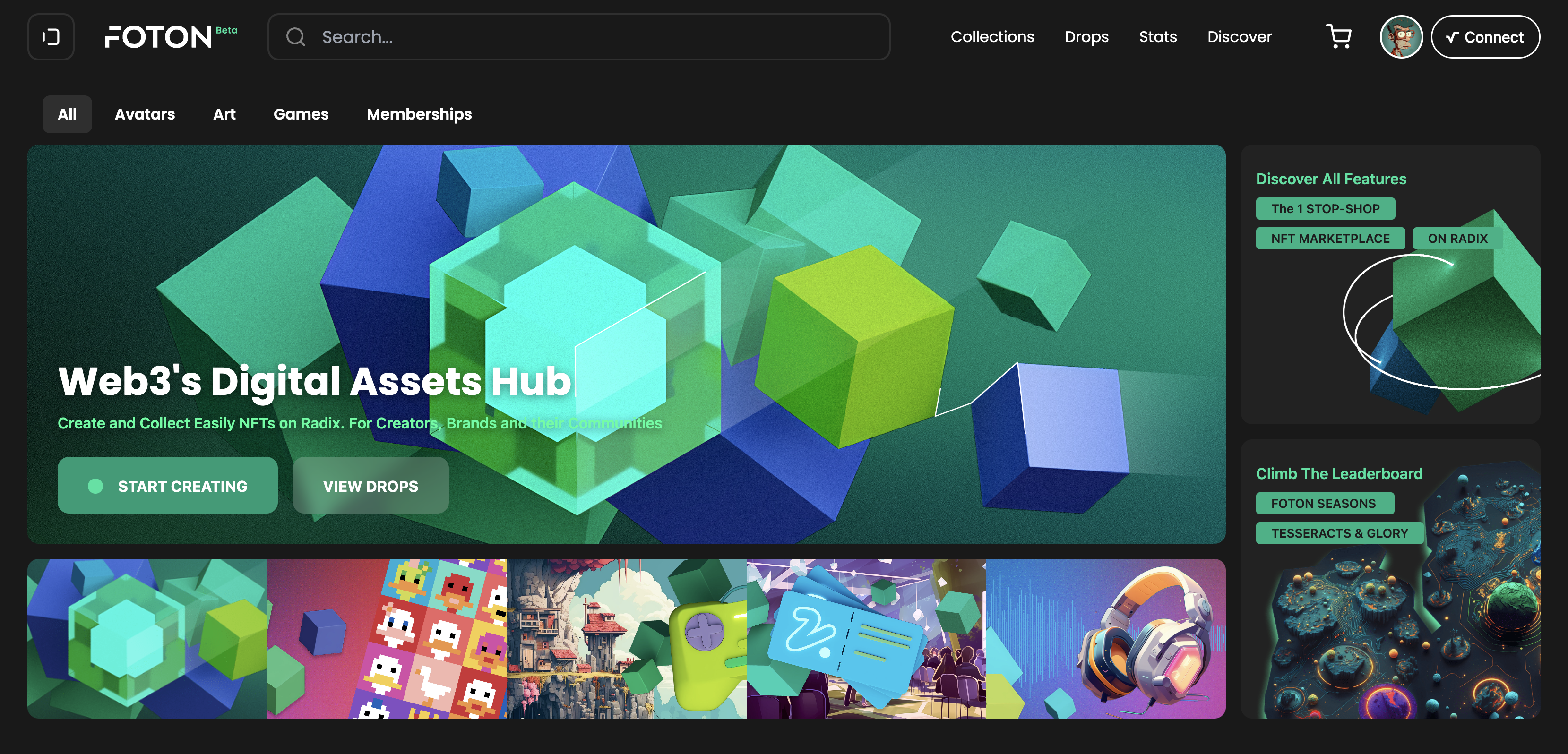
The homepage of a new kind of Web3 Marketplace
Hi there you curious soul. Great to have you onboard! \
Since you landed here you might be looking to find out what you can do with FOTON and why did we put nearly two years of work before we even launched it. \
\
[FOTON](https://foton.is) is a Hub and NFT Marketplace addressing the pain of Creators and Brands to Mint, Trade and Manage NFT Collections easily, on a highly scalable and secure DLT called [RADIX](https://www.radixdlt.com), while allowing them to build and engage directly with their community or customers. \
\
The Marketplace allows you to create NFTs with various use cases, from Art Authenticity Certificates, In-Game items, Smart Tickets for events, IP Ownership Timestamps, to Digital Twins for Physical Items, Real World Assets (RWAs) on Ledger and much more. \
\
The two main innovative building Blocks of FOTON are:\
1\. A powerful [CREATOR STUDIO](/introduction/beginners-intro/creator-studio.md) with Web3 permissions and Collaborative features.\
2\. A flexible [COLLECTOR HUB](/introduction/beginners-intro/collector-hub.md) allowing precise management of Assets in an intuitive environment.
To start, Connect your [Radix Wallet](https://www.radixdlt.com/wallet) and jump right into it!\
While you can surf the Marketplace freely, to collect and mint NFTs you will need to have some Radix (XRD) tokens in your wallet account. You can get XRD via existing exchanges or from the [Switchere](https://switchere.com/?r=s4h5dmgb1kjl) website.\